
Halloween. My grandkids sitting in my wife’s lap on the bed of an old truck. A simple portrait. A couple of touches on the right settings would have taken less than thirty seconds.
The Miss
They didn’t. I couldn’t control the light, and the phone wouldn’t let me touch exposure. That was a Pixel 3, Google’s flagship at the time. The stock camera app gave me almost nothing to work with.
I had exactly one tool. Exposure lock. Tap and hold, and the phone stops chasing the bright and dark parts of the frame. It saved the shot. It also showed me how little else I had. Most people don’t know it’s there, and why your phone panics in low light is the reason.
Most people think the camera app is the camera. It isn’t. It’s a set of decisions somebody else made for you, and they made them before you ever lifted the phone.
That’s not a bug. That’s a design feature. Most people want the phone to decide, and for most photos it decides fine. But you didn’t come here for most photos. That ain’t how we roll in the lab.
A stock camera app is a list of decisions somebody else already made.
The Photo Lab
The Lesson + Lab
Walk through the four decisions you already know and see who’s making them on a stock iPhone camera.
Subject is still yours. Where you stand, what’s in the frame. Zooming with your feet is a decision no app can make for you.
Aperture is fixed on almost every phone. On those, no app can change it. Blur is a decision, and on most phones a computer makes that one for you. That’s what the Portrait Mode post was about.
Kelvin is next. Before the iPhone 18 Pro, there was no white balance dial for photos on a stock iPhone. The phone guesses, and you’ve seen how wrong a guess can get in the game where the light kept changing.
ISO is automatic too. That’s fine until the light gets bad. Then noisy and sharp beats clean and blurry stops being a lesson and starts being a problem.
Count it up. Before the iPhone 18 Pro, that was three of your four calls made by an algorithm on a stock iPhone. An app gives two of them back, ISO and Kelvin, and hands you shutter speed on top. Aperture stays fixed.
The iPhone 18 Pro just changed that. Galaxus tested the variable aperture and called the difference small and not worth upgrading for. 9to5Mac found the wider aperture helps at night and barely shows in daylight landscapes. If your technique is already there, that’s real money you don’t need to spend. A used black Sony a6000 body runs about $388 to $465 at KEH, a third of the iPhone 18 Pro’s starting price, and you’d still need a lens. Buy the phone if you want the phone. Don’t buy it for the aperture.
Android is a different story, and it changes by brand. Samsung calls it Pro mode. Google’s own Pixel didn’t have one when I carried it. Pro controls reached the stock Pixel camera in October 2023. Not every phone has a manual mode, and not every phone lets an app reach the controls. Here’s a two-minute check. Search the Play Store for a Camera2 API checker. It reports a level for each camera: Legacy, Limited, Full, or Level 3. Full or Level 3 means manual exposure should work in apps.
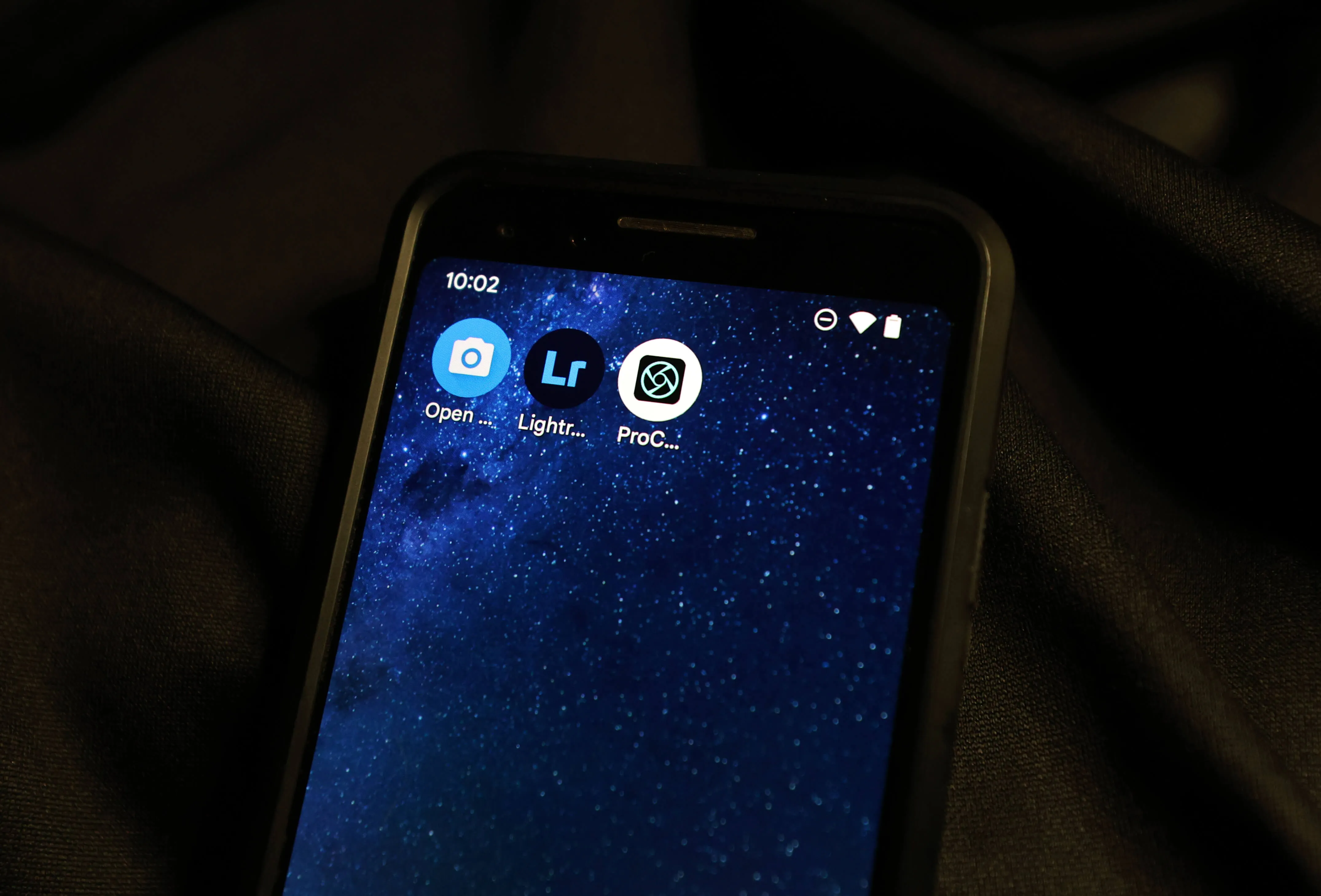
Now, an app. An app is gear, same as a lens, same as a body. Which one’s right for you depends on where you are, what you can spend, and what you love to shoot. Some are free. Some aren’t. And some free ones run ads while you’re trying to work the controls, or turn a trial into a weekly charge. Check the price type before you install. None of them makes you a better photographer. They give you a dial, and you already know what the dial is for.
Here’s where we’re headed. Next come three episodes, one for each kind of photograph: portraits and groups, sports and action, and landscapes. Each one picks two apps and two decisions, shutter speed and ISO. Nothing in them is new. It’s the same exposure triangle you’d use on a real camera. A phone just hides two of its three corners.
Lab: Try This
Open your stock camera app. Write down Subject, Aperture, Kelvin, ISO, and shutter speed. Next to each one, write “mine” or “theirs.” Look for a Pro, Expert, or More mode and see what it lets you change. If you can’t find one, that’s your answer. It’s the same exercise as How Many Decisions Did You Make in That Photo?, pointed at your camera app instead of a photo.
Reflection + CTA
The Portrait Mode post showed that the blur isn’t always real. This one shows the settings aren’t always yours. That’s the whole unit so far: knowing who made the call.
Next week the three episodes start, and we begin taking some of those calls back.
Trust it. Trust yourself.
-TMac #shooton
